Official ChatGPT App
Your media library
inside ChatGPT
Track books, movies, albums, shows, anime, podcasts, and games. Ask ChatGPT what to watch next. Find the patterns in everything you've loved.
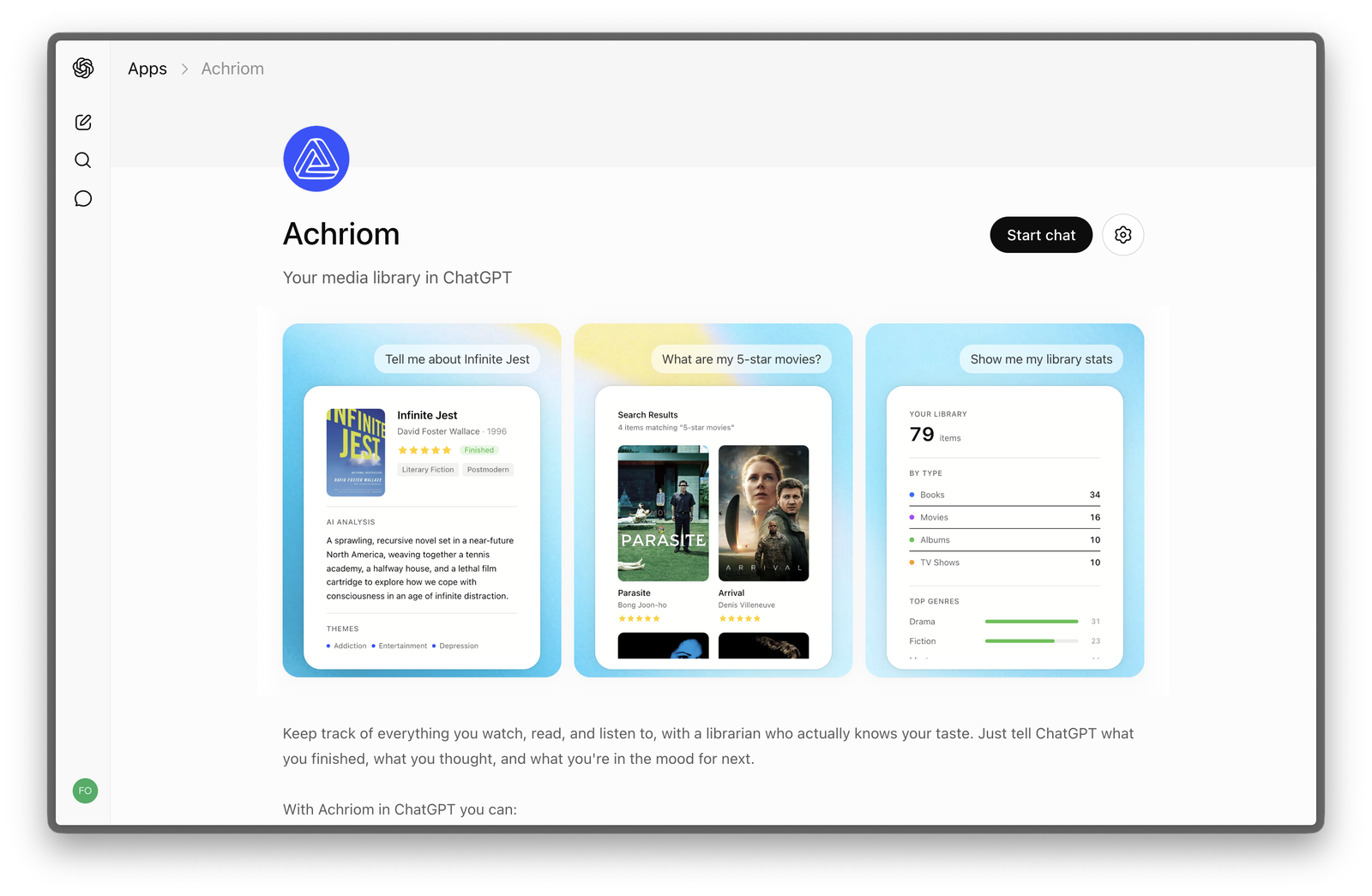
What to ask
Just tell ChatGPT what you finished
"Tell me about Infinite Jest and how it connects to the other books I've rated highly."
"What are my 5-star movies and what do they have in common?"
"I just finished Succession. What should I watch next from my watchlist?"
"Add Drive My Car to my library and mark it as watched with 5 stars."
"Show me my library stats. What formats am I tracking most?"
"What album in my library belongs in the same mood as Arrival?"
Demo
See it in action
Achriom connected to ChatGPT on desktop and iOS
Getting started
Two steps
01
Create a free Achriom account
Import from Goodreads, Letterboxd, Trakt, Apple Music, or AniList. Your existing ratings and history come over in under a minute.
Create account →02
Open Achriom in ChatGPT
Open the official Achriom ChatGPT app and sign in with your account. No Developer Mode, no API keys, no config.
Open in ChatGPT →Also available as an MCP server
Connect Achriom to Claude or any MCP-compatible client. Same library, any AI.