How to Export Your Spotify Data (Extended Streaming History)
How to download your Spotify data and extended streaming history from the Account Privacy page, what each package holds, and how to turn it into albums on a shelf.
Some links below are affiliate links. As an Amazon Associate, Achriom earns from qualifying purchases. For books we prefer Bookshop.org, which supports independent bookstores.
To export your Spotify data, sign in and open the Account Privacy page at spotify.com/account/privacy, then use the Download your data tool to request a package. Ask for Extended streaming history if you want every stream since you opened the account, and Account data if you want your playlists and saved library. Spotify emails you a link to a ZIP of JSON files when it’s ready.
Want the albums, not a pile of JSON? Achriom reads the ZIP Spotify sends. Your saved albums, the albums you play a lot and the podcasts you follow land on a shelf, with no Spotify login. It's free, like every import.
Import my Spotify albums →Last verified: November 11, 2026, against Spotify’s support pages on data downloads and Achriom’s import dialog.
How to request your Spotify data
- Sign in at spotify.com and open Account Privacy.
- Find Download your data. Spotify’s help page says the tool gives you three packages, which you can request separately or all at once: Account data, Extended streaming history and Technical log information.
- Tick the packages you want and request them. If you only want your listening history, Extended streaming history is the one.
- Spotify emails you when the data is ready. Check your spam folder if it doesn’t show up.
- Download the ZIP from that email and save it somewhere you’ll find it. After a big year of listening, request the extended history again to get a fresh copy.
Spotify’s help pages don’t give a delivery time. Achriom’s import dialog tells people to expect a few days for account data and a few weeks for extended history. Treat that as a rule of thumb, not a promise. If you want your history for a year-end recap, request it now rather than the week you need it.
What’s in the download
Everything arrives as JSON, which is plain text with a structure. A text editor opens it, and so does any spreadsheet tool that reads JSON.
| Package | What’s in it |
|---|---|
| Account data | Your playlists, your library (saved songs, episodes, shows, artists and albums as of the day you asked), the past year of streaming history, search queries, follows and your account details |
| Extended streaming history | Every song, video and podcast episode you’ve played over the life of your account |
| Technical log information | Commands, error messages and log strings Spotify keeps to run the service |
Unzip it and open the files in a text editor. Account data history arrives as StreamingHistory_music_0.json (numbered upward), and extended history as Streaming_History_Audio_*.json files.
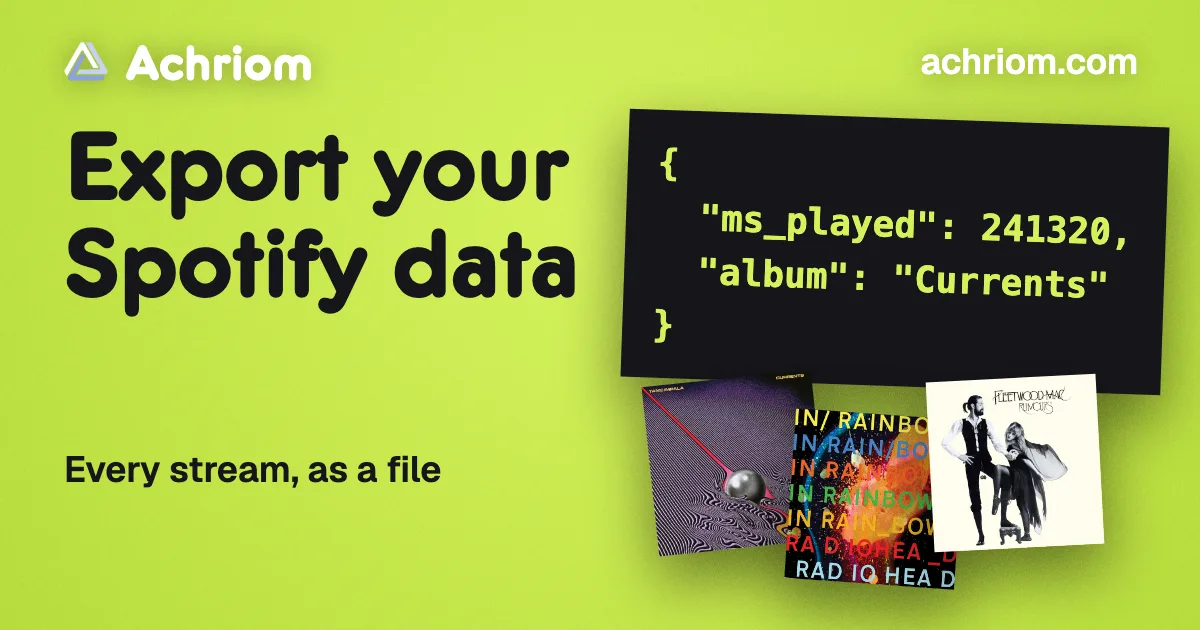
Each play in the extended history carries a timestamp for when it ended, how many milliseconds you played, the track, artist and album names, the Spotify track link, the show and episode names for podcasts, why the track started and ended, and whether you were shuffling, skipped it or played it offline. Because it keeps the milliseconds played, a three-second skip and a full listen look different.
It also carries the IP address you streamed from, your country code and your Spotify username. Keep the file private, and open it before you upload it anywhere to see what it holds. Spotify includes a “Read Me First - Extended Streaming History” file in the download that describes each field.
Your saved albums are in YourLibrary.json, and your playlists are in Playlist.json files. Both come with the Account data package.
Where to take the file
Import it into Achriom
Achriom’s Spotify import takes the ZIP as Spotify sent it, or the .json files from inside it, and needs no Spotify sign-in. Open the import dialog, choose Spotify in the Music tab, and upload.
It adds four things:
- albums you saved in Spotify
- albums where you liked three or more songs
- albums you’ve played a lot, meaning three or more songs and at least 45 minutes
- podcasts you follow or keep coming back to
Songs on their own aren’t added, and nothing is sent back to Spotify. The export holds no ratings, so the albums arrive unrated and you rate them as you go.
Which package you request decides how much comes in. The Account data history has track and artist names but no album names, so a play only reaches an album through the songs you liked. The extended history names the album on every play, which is how heavily played albums you never saved come across. If you want the full picture, request both. Achriom adds up to 400 albums from listening history alone, most played first.
Once the albums are in, they sit next to your books, movies, shows and anime. You can ask the librarian questions in plain words, like which albums from your Spotify years you gave five stars. Ten items in, Achriom makes your Taste Portrait. Your year page then shows what you finished and rated across every medium, with a share card, if you want a recap that isn’t only music. Is There a Spotify Wrapped for Movies, Books and Shows? covers how that compares with the recaps on other apps.
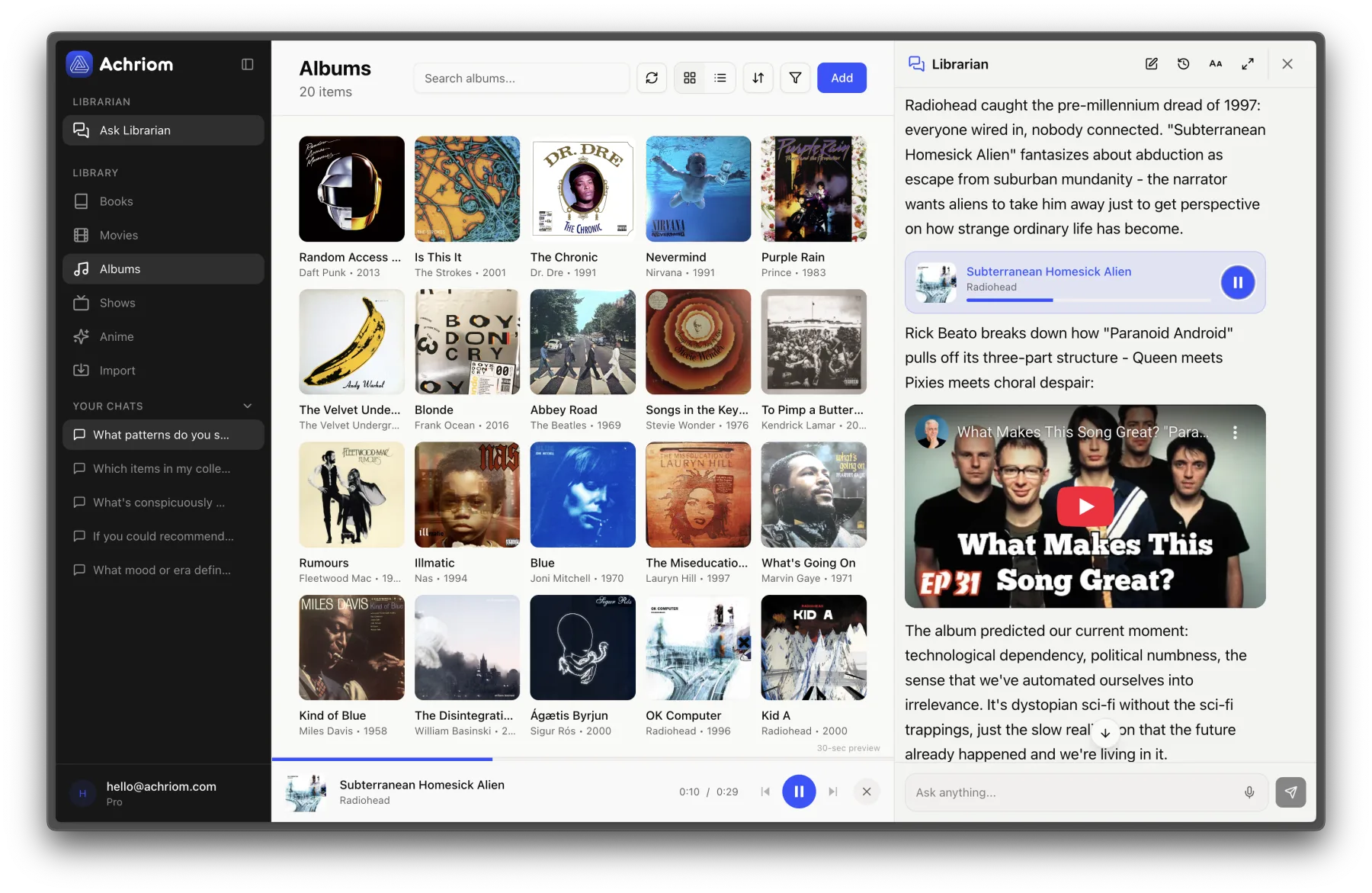
An album like Currents or In Rainbows that you played through a dozen times will come in on the extended history alone, even if you never hit the save button.
Keep scrobbling to Last.fm
Last.fm’s own page says you can connect your Spotify account and it will scrobble what you listen to from any Spotify app. That records plays from the day you connect, so it’s a way to build a history going forward. Last.fm doesn’t say it imports a Spotify export, so check its help pages before you plan around it. If you already keep a Last.fm account, How to Export Your Last.fm Scrobbles shows how to get that history out, and Best Last.fm Alternatives in 2026 compares where people go from there.
Moving from Apple Music or another service
Spotify isn’t the only streaming service with a data file. How to Export Your Apple Music Library covers the Apple side, and Letterboxd for Music? 4 Apps to Log and Rate Albums is the one to read if you want a diary and star ratings for the records you play. Podcasts have their own options in Best Podcast Tracking Apps.
Common questions
How do I export my Spotify data?
To export your Spotify data, sign in and open the Account Privacy page at spotify.com/account/privacy, then use the Download your data tool to request a package. Ask for Extended streaming history if you want every stream since you opened the account, and Account data if you want your playlists and saved library.
What is the difference between Account data and Extended streaming history?
Account data holds your playlists, your library and the past year of streaming history. Extended streaming history holds every song, video and podcast episode you’ve played over the life of your account.
How long does the Spotify data export take?
Spotify’s help pages don’t give a delivery time. Achriom’s import dialog tells people to expect a few days for account data and a few weeks for extended history.
What does Achriom import from a Spotify export?
Achriom imports albums you saved, albums with three or more liked songs, albums you’ve played a lot and the podcasts you follow, from the ZIP Spotify sends. It needs no Spotify sign-in, and the albums arrive unrated.
Bring your shelf over
Start your library