Can You Sync Goodreads With Another App? What Works in 2026
Achriom follows your public Goodreads shelves every day. StoryGraph and Hardcover take a Goodreads file once. Here is what each does, what it needs and where it stops.
Some links below are affiliate links. As an Amazon Associate, Achriom earns from qualifying purchases. For books we prefer Bookshop.org, which supports independent bookstores.
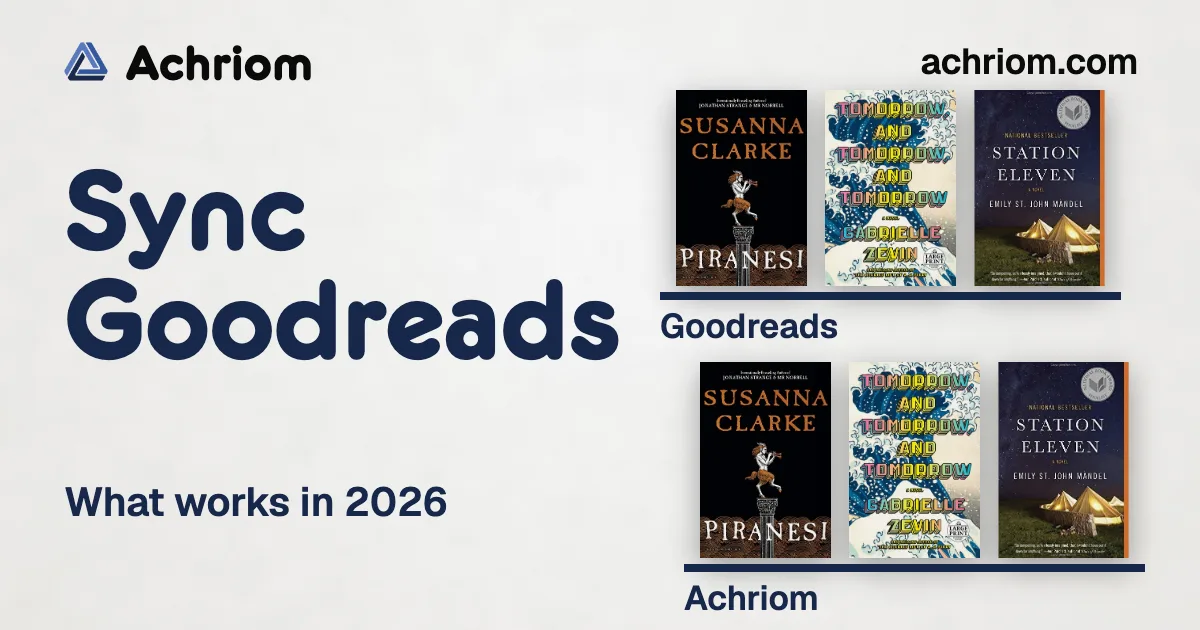
Yes, with Achriom: paste your public Goodreads profile link and it checks your read, currently-reading and want-to-read shelves every day, so what you shelve on Goodreads is on your Achriom shelf the next day. StoryGraph and Hardcover bring your Goodreads history in from an exported file instead. Below is what each one does, what it needs from you and where it stops, so you can keep logging in one app without typing every book twice.
Pick by the job:
- Keep logging on Goodreads and have a second app follow it: Achriom
- Leave Goodreads for a book-only tracker and carry your history over once: The StoryGraph or Hardcover
- Bring your full history from a private profile: a Goodreads CSV, into any of them
- Stay put: Goodreads
Log on Goodreads, read on Achriom. Paste your public profile link and your shelves follow. Free, no item limit, no file to export.
Connect my Goodreads →Quick comparison
| App | How your Goodreads books get in | Keeps following Goodreads | What it needs |
|---|---|---|---|
| Achriom | Profile link, or a CSV | Yes, checks daily | A public profile for the link |
| The StoryGraph | A file in the Goodreads format | Its team said in 2021 that a sync isn’t possible | The exported file |
| Hardcover | A file import | Requested on its roadmap since 2022 | The exported file |
| Goodreads | Exports a CSV from the desktop site | Not applicable | A desktop browser |
Last verified: October 30, 2026.
Why almost nothing syncs with Goodreads
Goodreads closed the door. On December 8, 2020 it stopped issuing new developer keys for its public API, and Goodreads support later said it would not continue to support API endpoints. A new app can’t ask Goodreads for your shelves the way it could a few years ago.
When a user asked for a Goodreads sync in June 2021, a StoryGraph team member answered bluntly: “This isn’t possible, I’m afraid,” because Goodreads was shutting down its API and “didn’t really allow other commercial projects to use it anyway.” That is why most apps stop at a one-time import. The file Goodreads gives you is a snapshot, and the moment you shelve another book it’s out of date.
Achriom gets around it by reading what your public profile already shows. That choice comes with a rule you’ll see below. The profile has to be public.
What each app does with your Goodreads account
Achriom
Open Import, choose Goodreads and paste the link to your profile. Achriom adds your read, currently-reading and want-to-read shelves, then checks them again every day. The box that does it, “Check my shelves daily and keep them up to date”, is ticked by default.
Say you finish Piranesi on Goodreads tonight and shelve Tomorrow, and Tomorrow, and Tomorrow as want-to-read. By the next daily check both are on your Achriom shelf. It adds only new activity at Goodreads, and a book you deleted from Achriom doesn’t come back. If the sync ever pauses because the profile went private, can’t be found or Goodreads isn’t answering, your Library shows a one-line note with a Reconnect button. “Stop syncing” turns it off.


Why you’d bother with a second app at all: Achriom keeps your books beside your films, shows, albums, anime and games, and you can ask your shelf questions in plain words, like ”80s horror I haven’t watched”. Importing is free with no item limit. The same daily check works for a Letterboxd diary, so a reader who also logs films on Letterboxd can connect both. For the full move from a file, see how to import your Goodreads library into Achriom.
The limits: The profile must be public. The link follows your three main shelves; for your full history, or if your profile is private, upload the CSV. It runs once a day, so never call it instant. And it’s one direction. Achriom reads Goodreads and doesn’t write to it, so a rating you give in Achriom stays in Achriom.
Free is free, no item limit. Pro is $9.99 a month or $99 a year and adds librarian messages and portrait refreshes, not more sync.
The StoryGraph
The StoryGraph takes your Goodreads library as a file. Its team has told users the upload has to be in the Goodreads format, and in January 2025 a team member confirmed that “Tags do get imported over from Goodreads.” The step-by-step is in how to move from Goodreads to StoryGraph.
On syncing, the same 2021 exchange is the answer we found: it isn’t possible. We found no later announcement that changes that.
The limit: It’s a one-time move. If you keep shelving on Goodreads afterward, StoryGraph won’t see it. Pick it if you’re leaving Goodreads for good and want a tracker built only for books. The StoryGraph vs Goodreads comparison covers the rest.
Hardcover
Hardcover imports from a file too, through the import page in your account settings. A request titled “Synced 2 way Goodreads import” has sat on its roadmap since October 2022. In August 2023 the Hardcover team wrote that Goodreads exports don’t include the start date for each book, called that reason enough to build the feature, and said whether it becomes a two-way sync or a one-time full import was “to be determined.” In August 2025 a team member reset its status while priorities were being revised. We found no shipped sync.
The limit: Same as StoryGraph. The import is a snapshot, and the missing start dates are a Goodreads problem that no app can fix. For the full comparison, read Hardcover vs Goodreads.
Goodreads
Goodreads gives you an export, not a feed: on the desktop site, under My Books, then Import and Export, then Export Library. That CSV is the file every other app asks for, and it’s how you carry a private profile or your full history into another app. Our guide to exporting your Goodreads library walks through it and lists what the file leaves out.
The limit: The export is desktop-only and it’s a snapshot. For a wider look at where to go, see the best Goodreads alternatives.
Keep Goodreads, add a second shelf. Connect your profile and your books sit beside your films, music and anime in Achriom.
Paste my profile link →How to set up the sync in Achriom
- Make your Goodreads profile public. Set your Goodreads profile to public in its privacy settings. A private profile gets a message in Achriom asking you to make it public.
- Create a free Achriom account and open Import from the sidebar.
- Choose Goodreads and paste your profile link. It looks like goodreads.com/user/show/ followed by your number.
- Leave “Check my shelves daily and keep them up to date” ticked, then import.
- Fill in the history. If you want older ratings and reviews, also upload the Goodreads CSV.
To stop it, open the Goodreads sync under Import and choose “Stop syncing”.
What to look for in any Goodreads sync
- Does it follow you, or copy you once? A file import is a copy. Ask whether a new book you shelve next week arrives without another export.
- What does it need from your profile? A live connection to Goodreads needs a public profile. A file doesn’t.
- Which direction does it go? Reading from Goodreads is one thing. Writing back to it is another, and Achriom’s sync doesn’t do it.
- How often does it check? Daily is not instant. Plan around that.
- What do you keep if you leave? Check for an export. Achriom exports your whole library as CSV, one file per medium.
Which one should you use?
Use Achriom if you want to keep logging on Goodreads and have your shelves follow you, or you also watch, listen and play and want your books beside the rest.
Use The StoryGraph if you’ve decided to leave Goodreads and want an app that is only about books.
Use Hardcover if you want a book-only tracker and you’re fine moving your history once.
Stay on Goodreads if your friends and Kindle habit are there. Nothing here forces a move.
More on moving books around: If you are weighing a clean switch, read the best Goodreads alternatives, then pick between StoryGraph and Goodreads or Hardcover and Goodreads.
Common questions
Can you sync Goodreads with another app?
Yes, with Achriom. Paste your public Goodreads profile link and it checks your read, currently-reading and want-to-read shelves every day, so what you shelve on Goodreads is on your Achriom shelf the next day. StoryGraph and Hardcover bring your Goodreads history in from an exported file instead.
Does Goodreads have an API for syncing?
Not for new developers. Goodreads stopped issuing new developer keys for its public API on December 8, 2020, and its support team said it would not continue to support API endpoints.
Does my Goodreads profile have to be public for Achriom to sync?
Yes. Achriom reads your public shelves, so the profile must be public. If yours is private, make it public or export a CSV from Goodreads and import that file instead.
Is the Goodreads sync instant?
No. Achriom checks your Goodreads shelves once a day, so a book you shelve today shows up on your Achriom shelf the next day.
Does Achriom send my ratings back to Goodreads?
No. The sync reads from Goodreads and does not write to it. Goodreads stays the place you log, and Achriom follows it.
Can StoryGraph or Hardcover keep following my Goodreads account?
Neither says so on the pages we could open. The StoryGraph team told a user in 2021 that a Goodreads sync isn’t possible, and a Goodreads sync has been a request on Hardcover’s roadmap since October 2022, with its team saying in 2023 that it might become a two-way sync or a one-time full import.
Is syncing Goodreads with Achriom free?
Yes. Achriom is free with no item limit, and every import and sync is free. Pro is $9.99 a month or $99 a year and adds more librarian messages, not more sync.
Bring your shelf over
Start your library